







How to write an offer people actually redeem
Title with the gain, a real product photo, an end date, a clear how-to and the right redemption type. One offer a month beats ten at once.

"Promotion." That's the title of the offer nobody opened. Right next to it, "20% off your subscription" got redeemed all week. Same partner, same discount, same members. The only difference is the words. If you want to write an offer people redeem, start with the gain, show the product, put a date on it, and tell people exactly what to do at the counter. That's the whole method. Here's how to do it in the app, step by step.
The title says what I get, not that something exists
A member scrolling the group on their phone gives your offer about one second. "Promotion", "Special offer", "Partner deal" all say the same thing: something exists, come find out. Nobody comes to find out.
The title has to carry the gain. Compare:
- "Promotion" versus "20% off your gym membership"
- "Partner offer" versus "Free skate sharpening with any stick"
- "Discount for members" versus "$10 off your next physio appointment"
Number first when you can. A percentage or a dollar amount is read faster than any adjective. If the offer isn't a discount (early access, a free item, a reserved spot), name the thing: "Free coffee with any breakfast", "Early entry to the Friday release".
Keep it under eight words
Titles get cut on a phone. Eight words is the safe zone. "20% off" plus what it applies to is usually enough.
Show the product, not a stretched logo
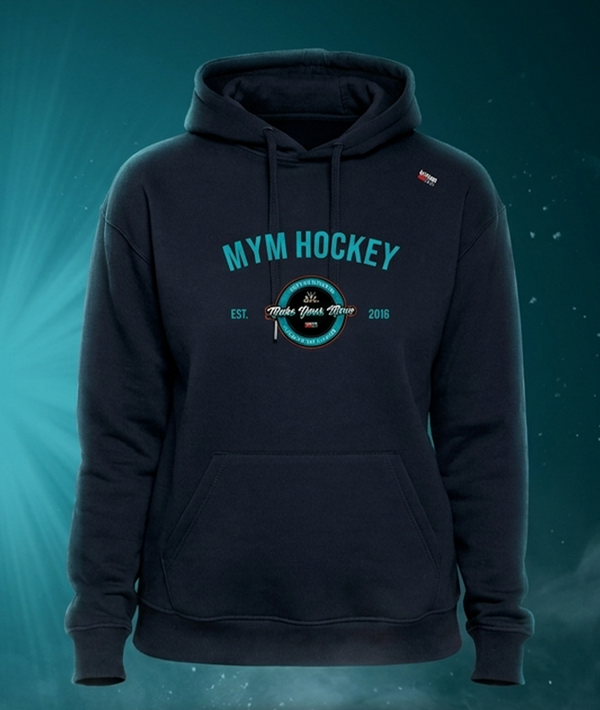
The image is the second thing people see and the first thing they feel. A partner logo stretched to fit a wide frame looks like an ad. A photo of the actual thing (the pizza, the skates, the massage table, the hoodie) looks like something I want.
Ask your partner for one product photo. Most of them have plenty from their own social media. If they only have a logo, take a picture of the product yourself, in daylight, on your phone. Blurry but real beats crisp and generic.
Put an end date on it, always
An offer with no end date is furniture. People see it, think "I'll do that sometime", and sometime never comes. An end date turns the offer into a decision: this week or not at all.
Two to four weeks is the sweet spot for most local offers. Long enough for members to plan a visit, short enough to create a "before it's gone" moment. When the date passes, the offer disappears from the member's view on its own. You can always run it again next month with a fresh image.
Write the how-to like you're explaining it to a 14-year-old
The number one reason a member doesn't redeem: they're not sure what happens at the counter. Will the cashier know? Do I show something? Do I say a code? That doubt kills more redemptions than a weak discount.
So write it out, in the offer description, in two or three lines:
- "Show this screen at the counter before paying."
- "Enter the code SISU20 at checkout on their website."
- "Let the cashier scan the barcode below."
And confirm with the partner that their staff knows. A five-minute call the day before the offer goes live avoids the embarrassing "sorry, never heard of that" at the register.
Pick the right redemption type for the situation
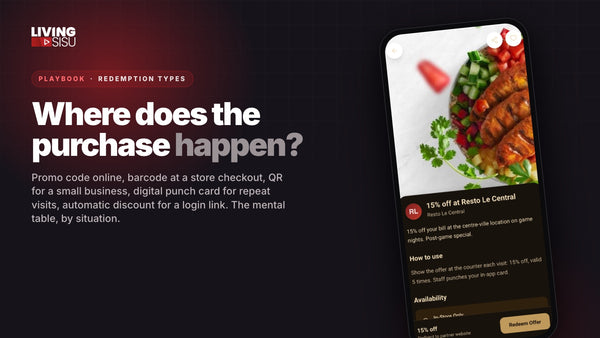
The app gives you five ways to redeem an offer. Pick the one that matches where the purchase happens:
- Promo code: for online purchases. The member copies the code and pastes it at checkout.
- Barcode: for a store with a checkout system. The cashier scans it like any coupon.
- QR code: for a small business with no system. The owner scans it with their own phone, or just looks at it.
- Digital punch card: for loyalty by visit. Coffee shop, restaurant, boutique. Ten visits, one free.
- Automatic discount: for a link with login. The member clicks, the discount is already applied.
A mismatch is a silent killer. A promo code for a restaurant with no online ordering means the waiter has no idea what to do with it. A barcode for a farmers market stand means there's nothing to scan it with.
One offer a month beats ten at once
New group owners often load ten offers on day one because it feels generous. Members open the group, see a wall, and close it. Ten offers with no dates and no order is a catalogue, not a reason to come back.
Post one strong offer a month, maybe two. Each one gets its own moment: an announcement in the chat, a post on your socials, a spot in your email. The stats will show you openings jump the day you post. Then the next one lands when the first one expires. Members learn the rhythm: something new every month, worth checking.
On the Free plan you have 5 offer slots, on Premium 12, on Pro unlimited. Even on Pro, the rhythm matters more than the count.
The checklist, in order
- Write the title with the gain in it. A number if there is one, under eight words.
- Add a photo of the product. No stretched logo.
- Set an end date two to four weeks out.
- Write the how-to in two or three lines: where, when, what to show.
- Pick the redemption type that matches where the purchase happens.
- Confirm with the partner that their staff knows the offer exists.
- Publish and announce it once, then check openings in the stats over the next week.
A real example, with numbers
A junior team's group has 250 members. Their partner, a local sports store, wants to move last season's sticks. First version of the offer: title "Partner promotion", store logo, no date, description "Ask in store". Result over three weeks: a handful of redemptions, according to the store.
Second version: title "25% off all 2025 sticks", photo of the stick wall, ends in 21 days, description "Show this screen at the counter", barcode redemption. The store pays the team a 20% commission on member purchases. If 20% of members buy a $100 stick, that's 50 sales, $5,000 for the store and $1,000 for the team. One offer, written properly, and the group's Premium plan ($990 a year) is paid for.
FAQ
Where do the offers come from?
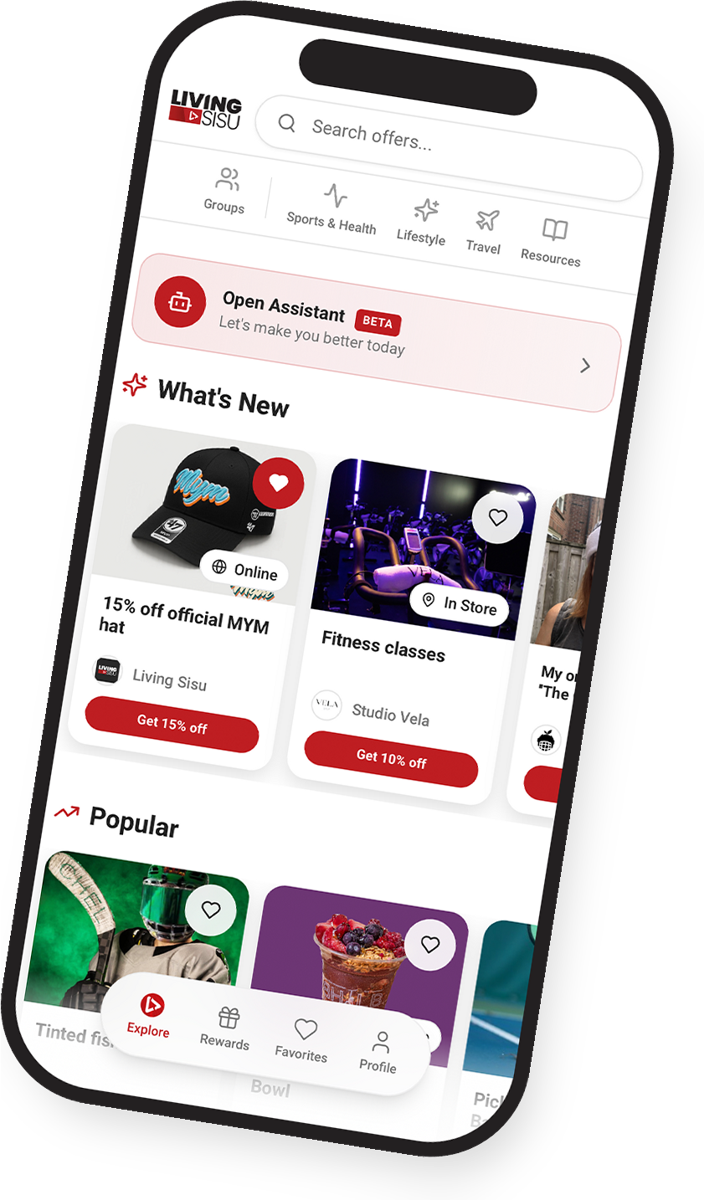
From your own partners: the businesses you already deal with. You enter them yourself from my.livingsisu.com, about two minutes per partner. The app makes it easy to organize what your network already gives you.
Do members pay to see the offers?
Never. Members join with a free AthleteCard, and everything in your group is free for them, on every plan.
What happens to an offer when the end date passes?
It stops showing to members. You keep it in your dashboard and can bring it back, with a new date and a new photo, whenever you want.
Create your group
Take the offer you have right now, and fix the title first. Then the photo, then the date. If you don't have a group yet, create your group on my.livingsisu.com and post your first real offer today.